Future Earth
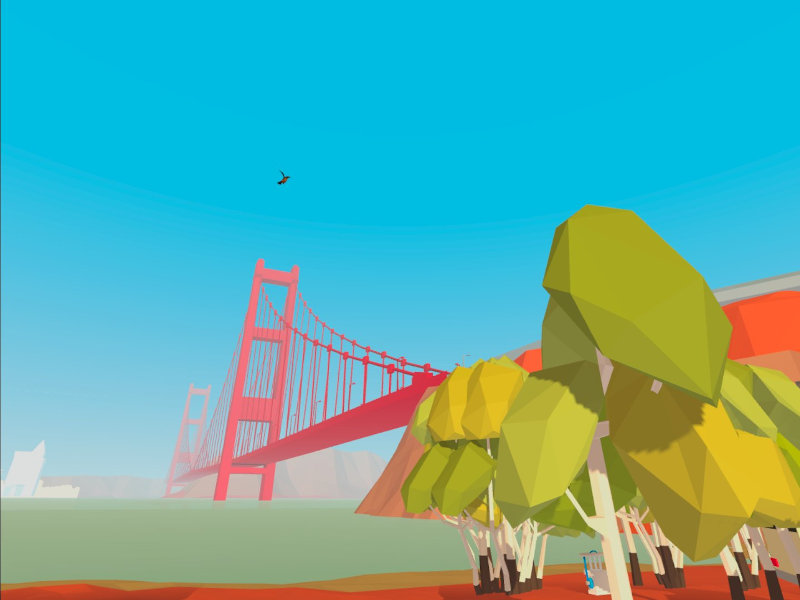
Future Earth is a VR adventure game set in a dystopian future, where the player has to grow trees, fight droids and collect parts. Achieved over 3,000 downloads and 4 stars on SideQuest.
Type
VR Game
Year
2020
Skills Applied
- VR
- Game Development
- Project Management
- UX / UI
Team
- Robert Michels (PM)
- 3 teammates (SFU IAT)
The Task
Future Earth was created as an exercise in designing and developing immersive environments.
With the concept design, we aimed to create a VR adventure game that encourages sustainable behaviors in players. This is achieved by placing the player in a dystopian futuristic environment and giving them the power to radically transform it for the better through gameplay.
The Result
Story
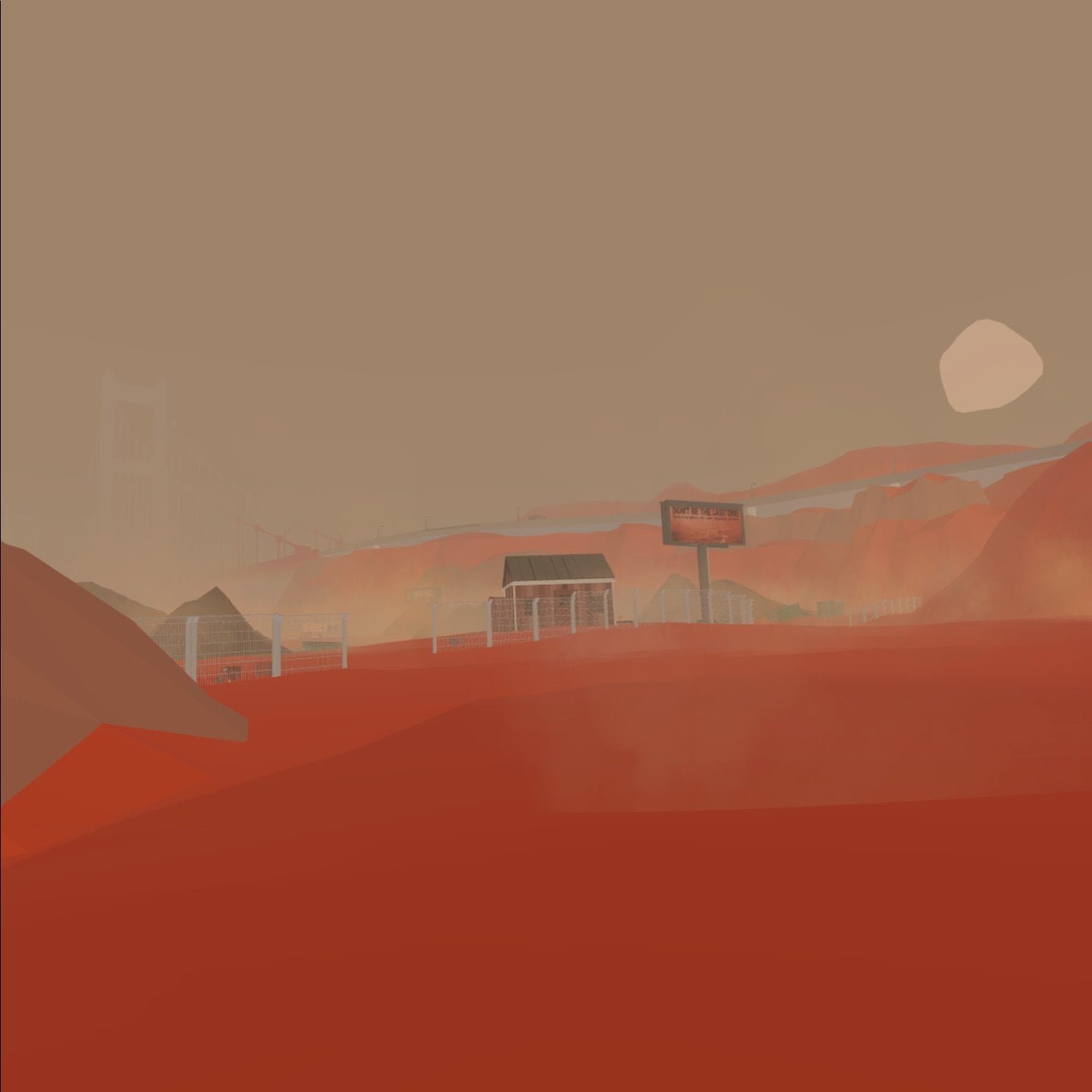
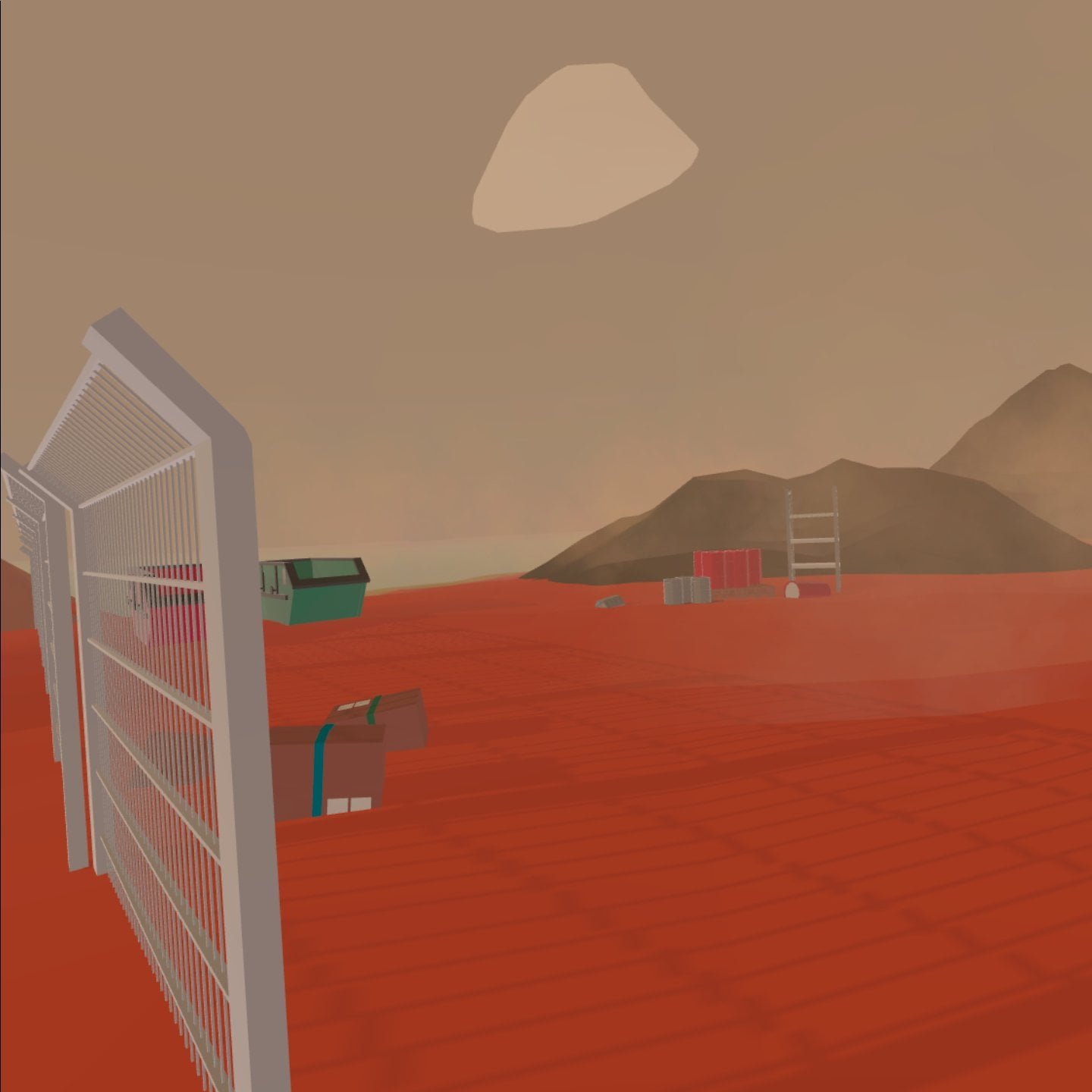
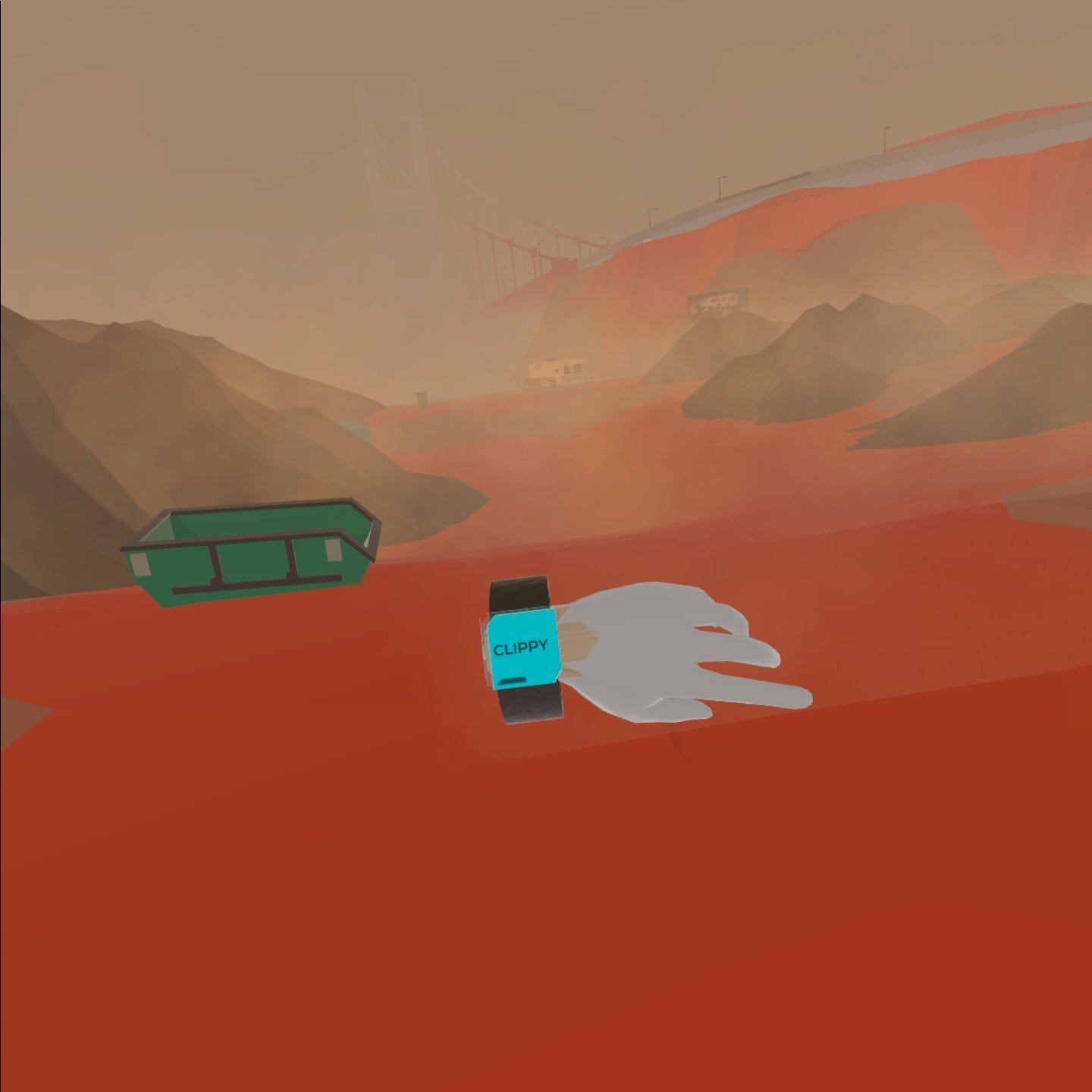
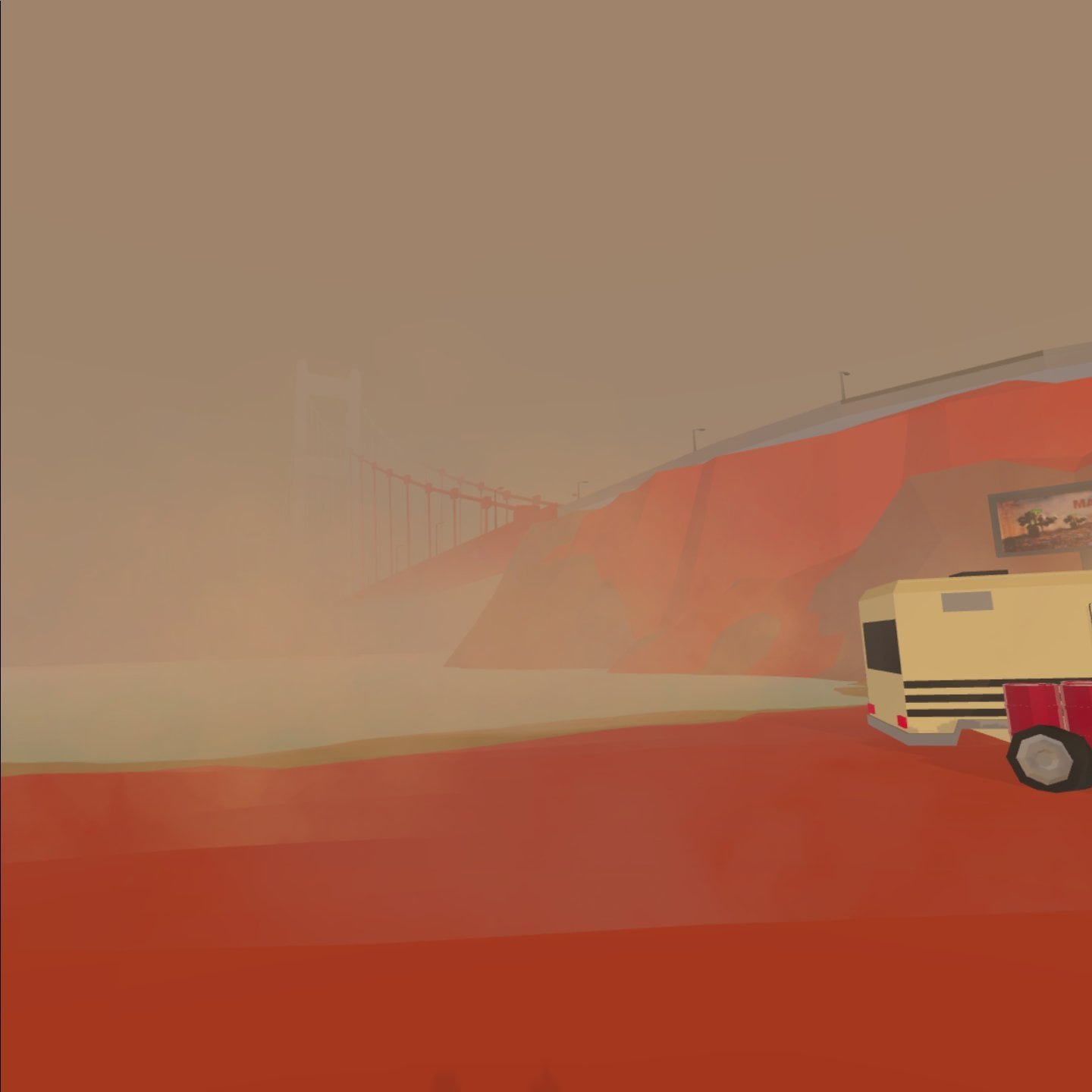
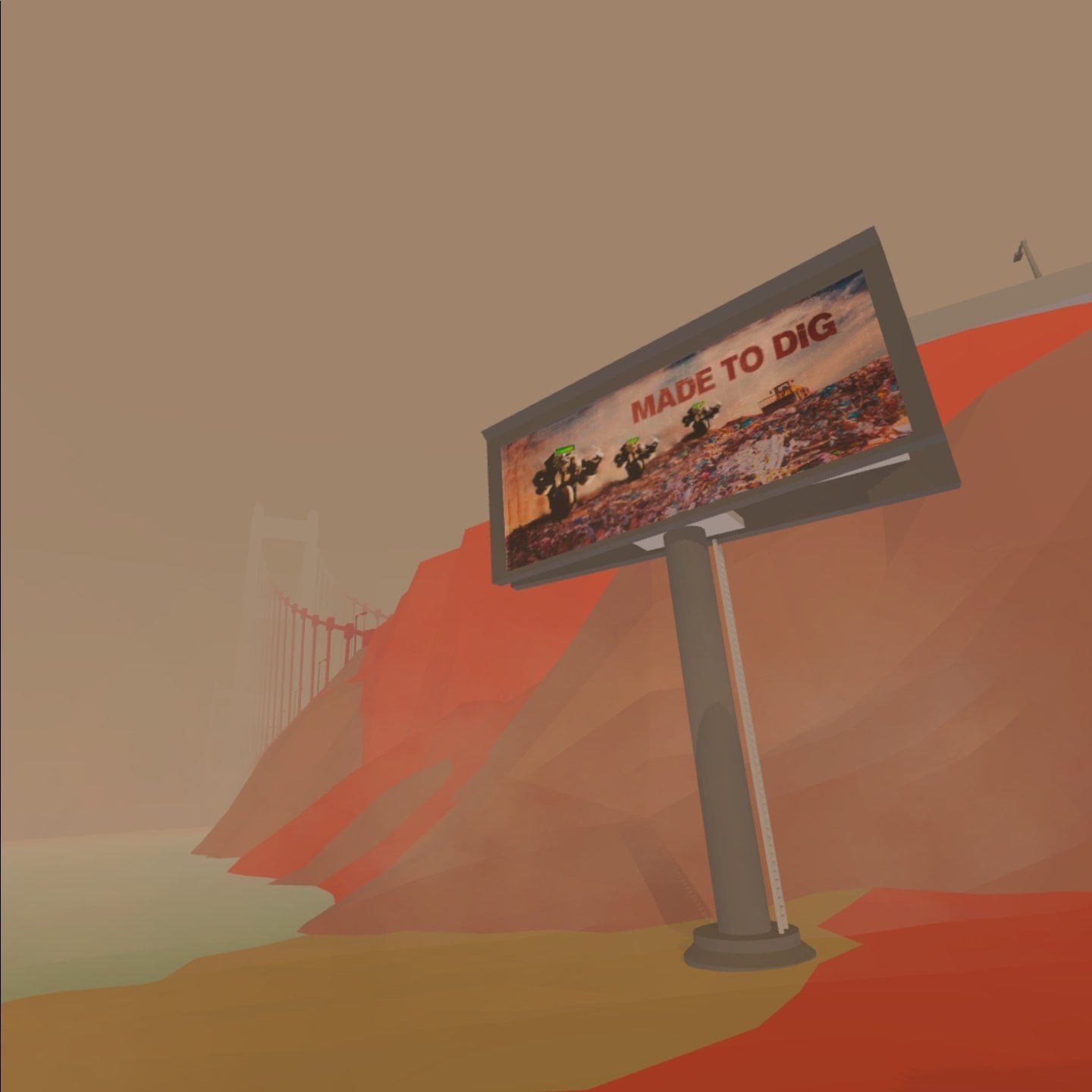
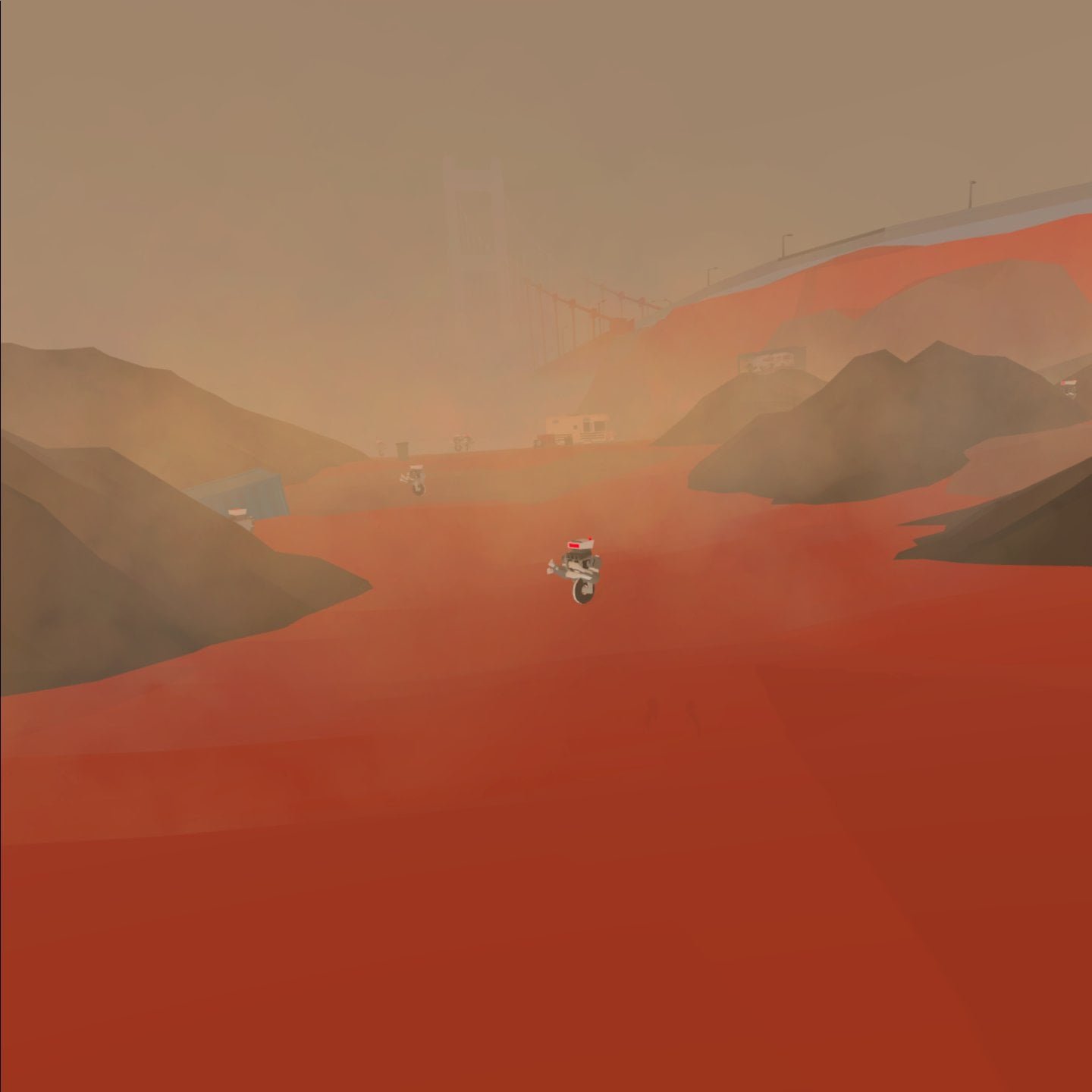
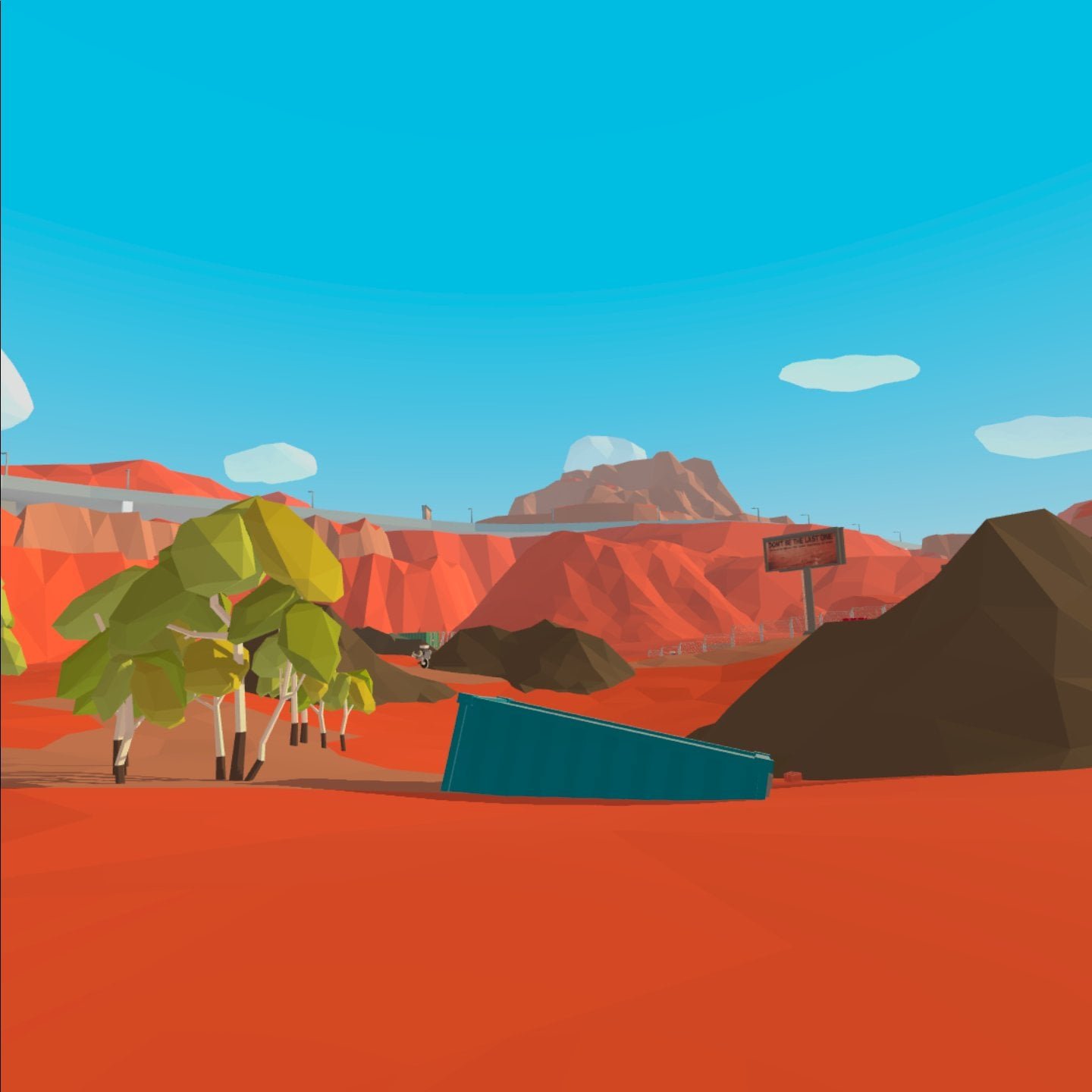
Set in a dystopian future, you are the first human to walk planet earth in a long time.
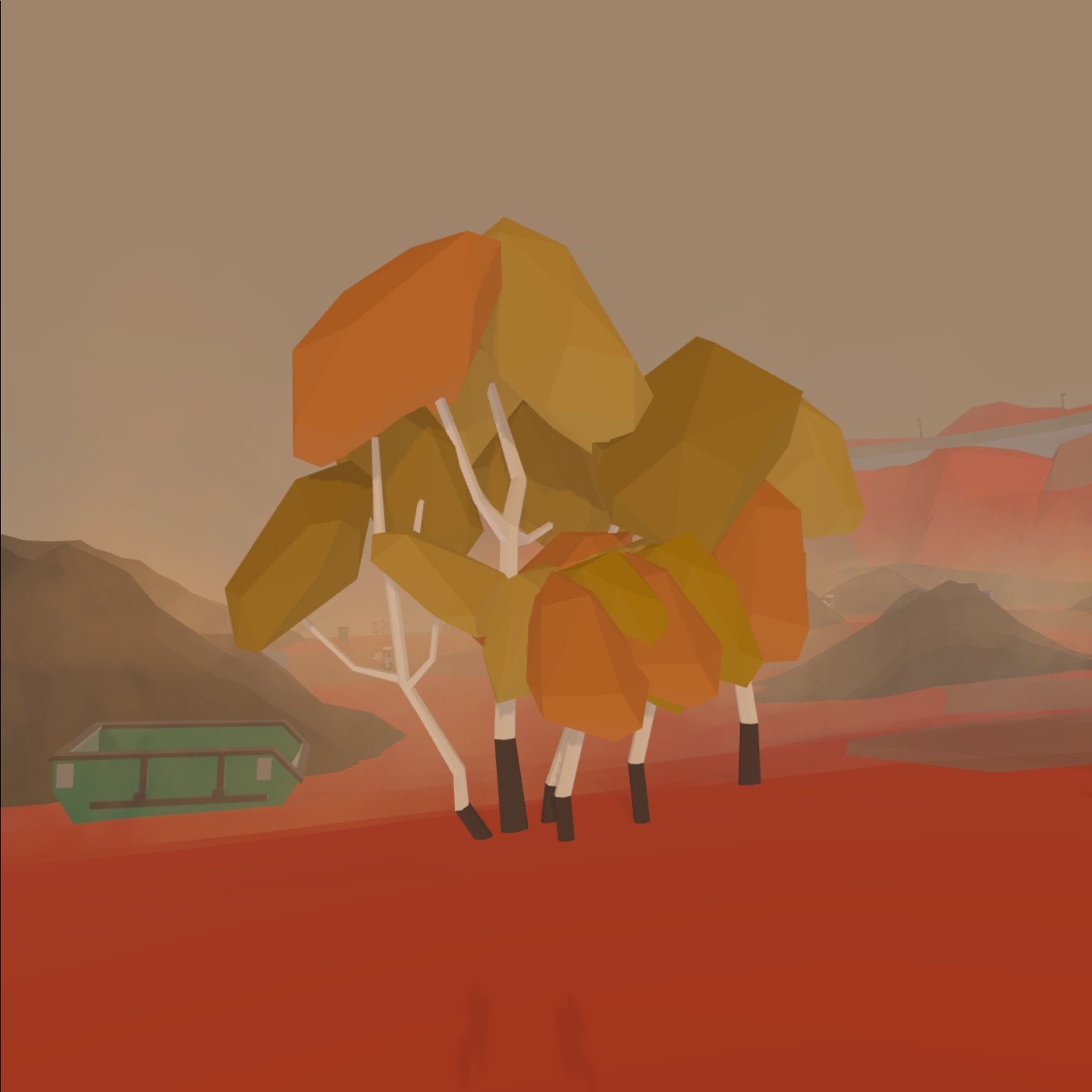
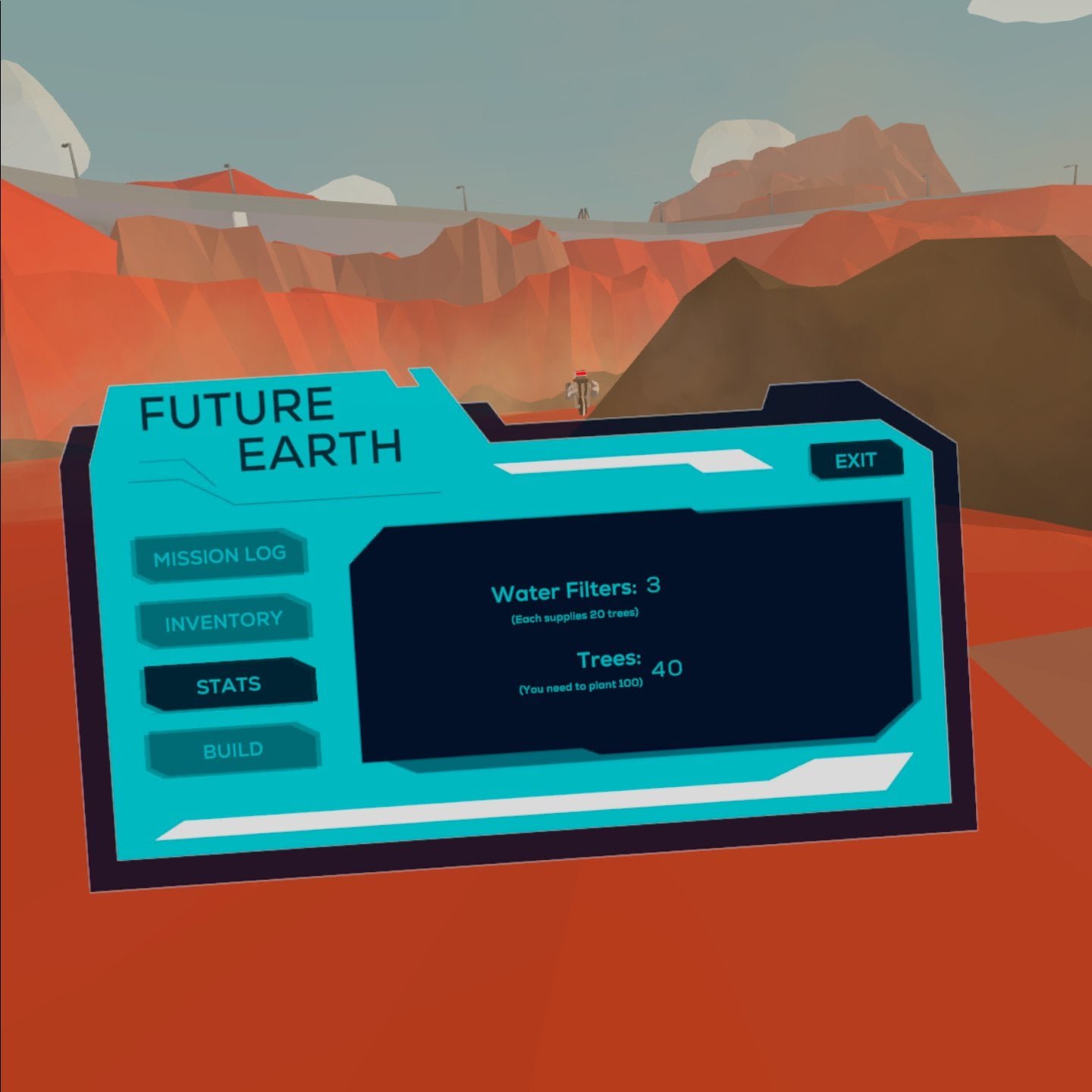
Your mission objective is to plant and sustain 100 trees. Whether or not humanity will attempt to return to earth hinges upon your success.
Success
Our project won best overall project, best interaction design, project for impact, and best VR/AR in our class.

Process
The project was developed in 4 months by a team of 4. I was the project manager, as well as one of the VR / game designers & developers.
After deciding to create a project for impact with the theme of sustainability, we started to create a game. Our goal was to create a VR game that appeals to players without particular interest in sustainability, to reach a broader audience.
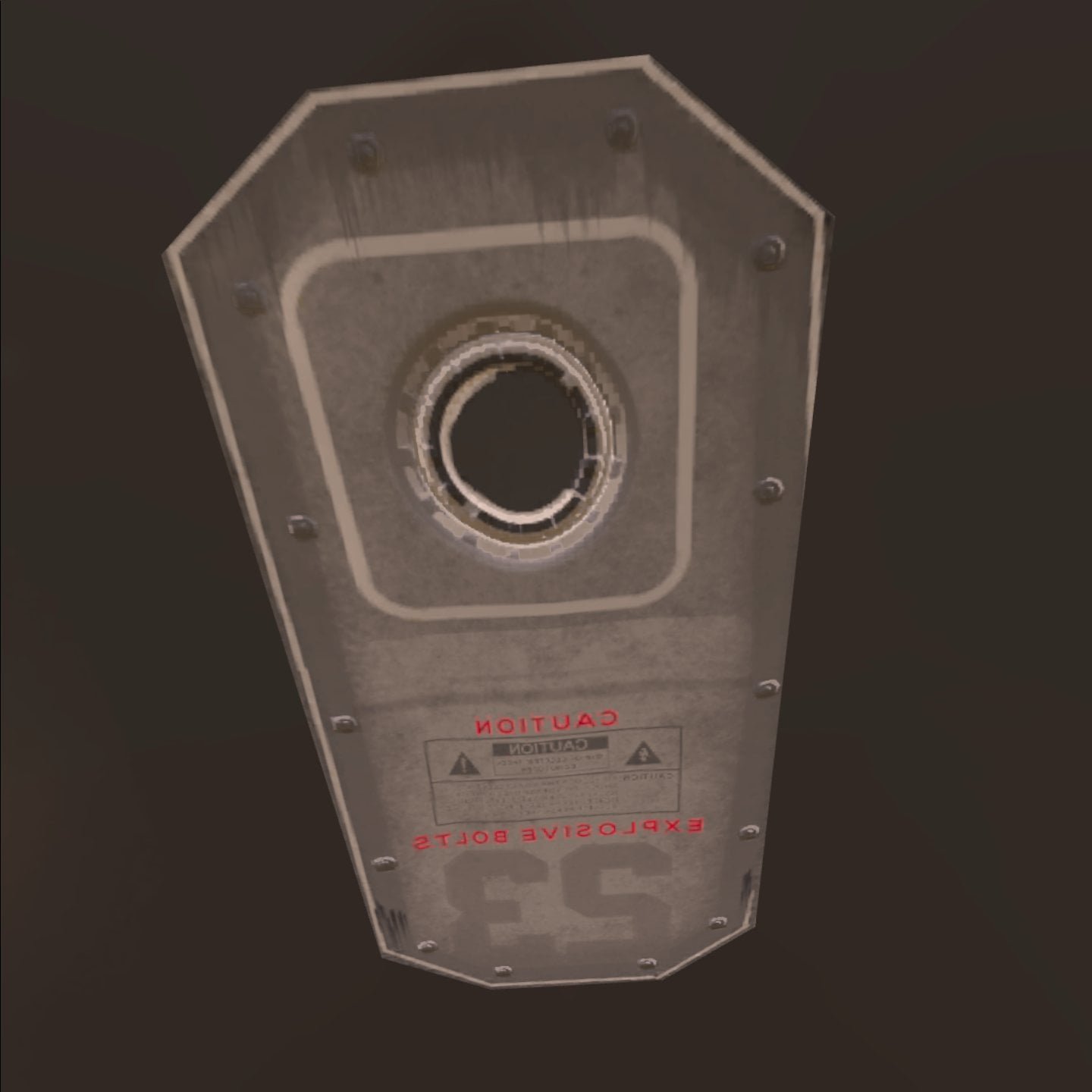
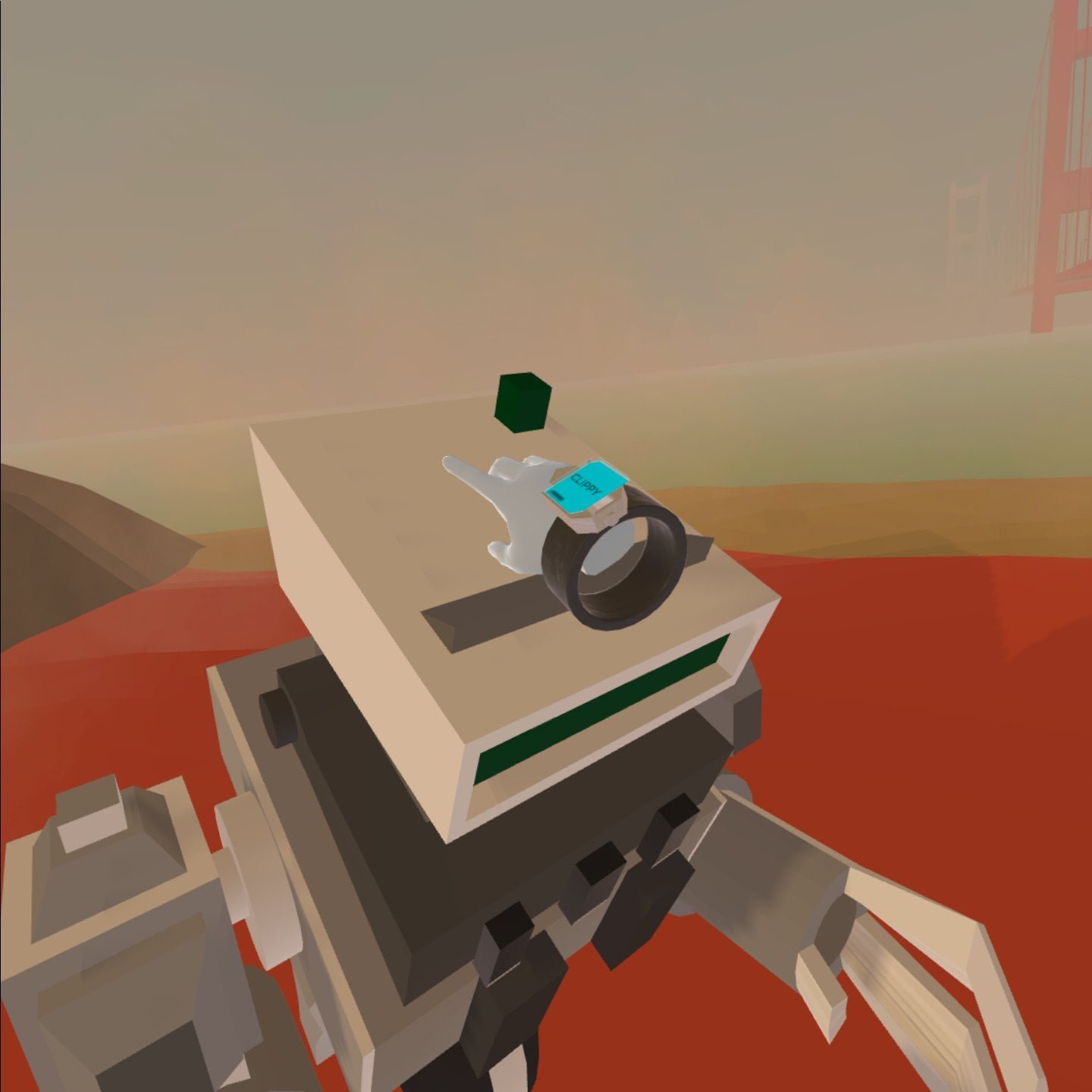
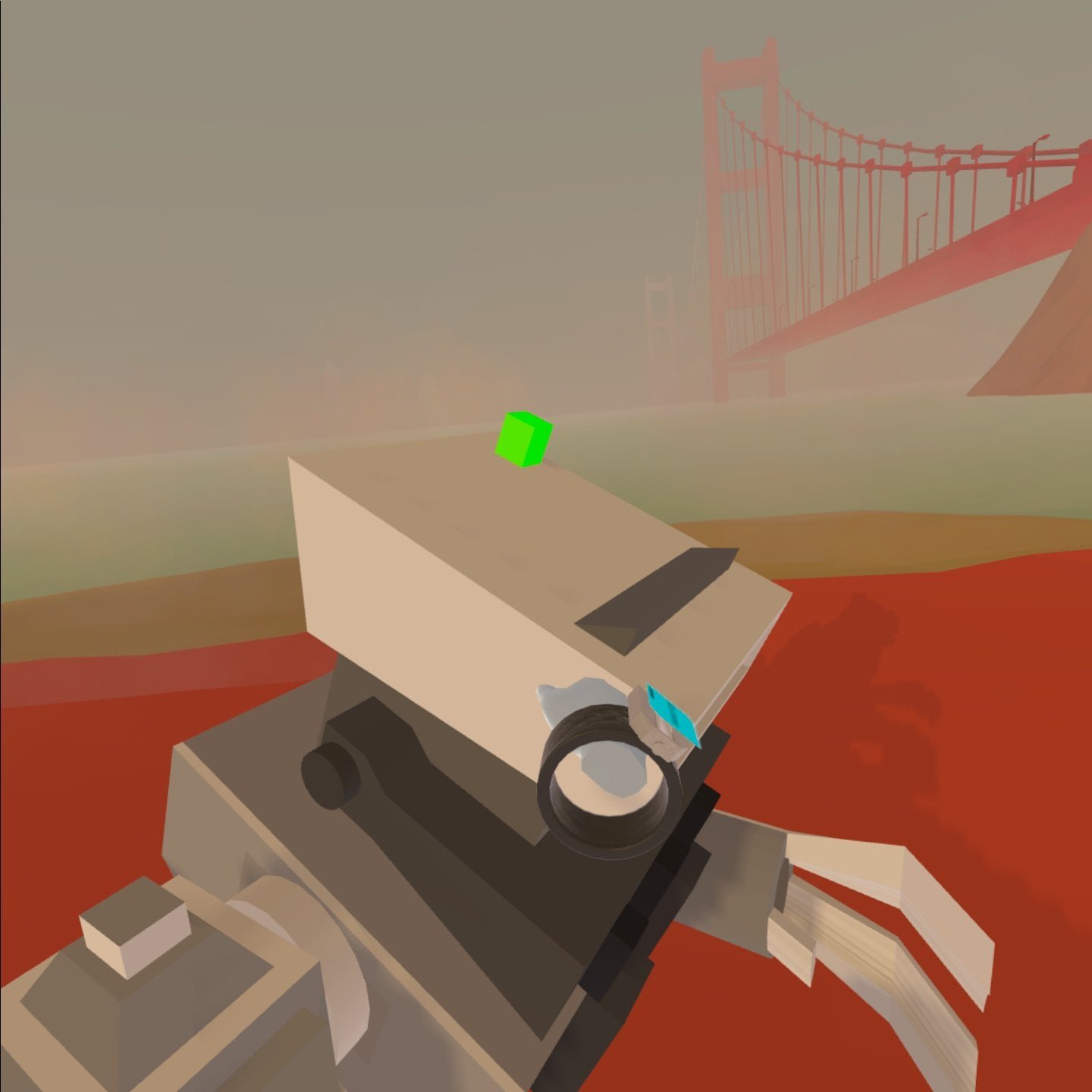
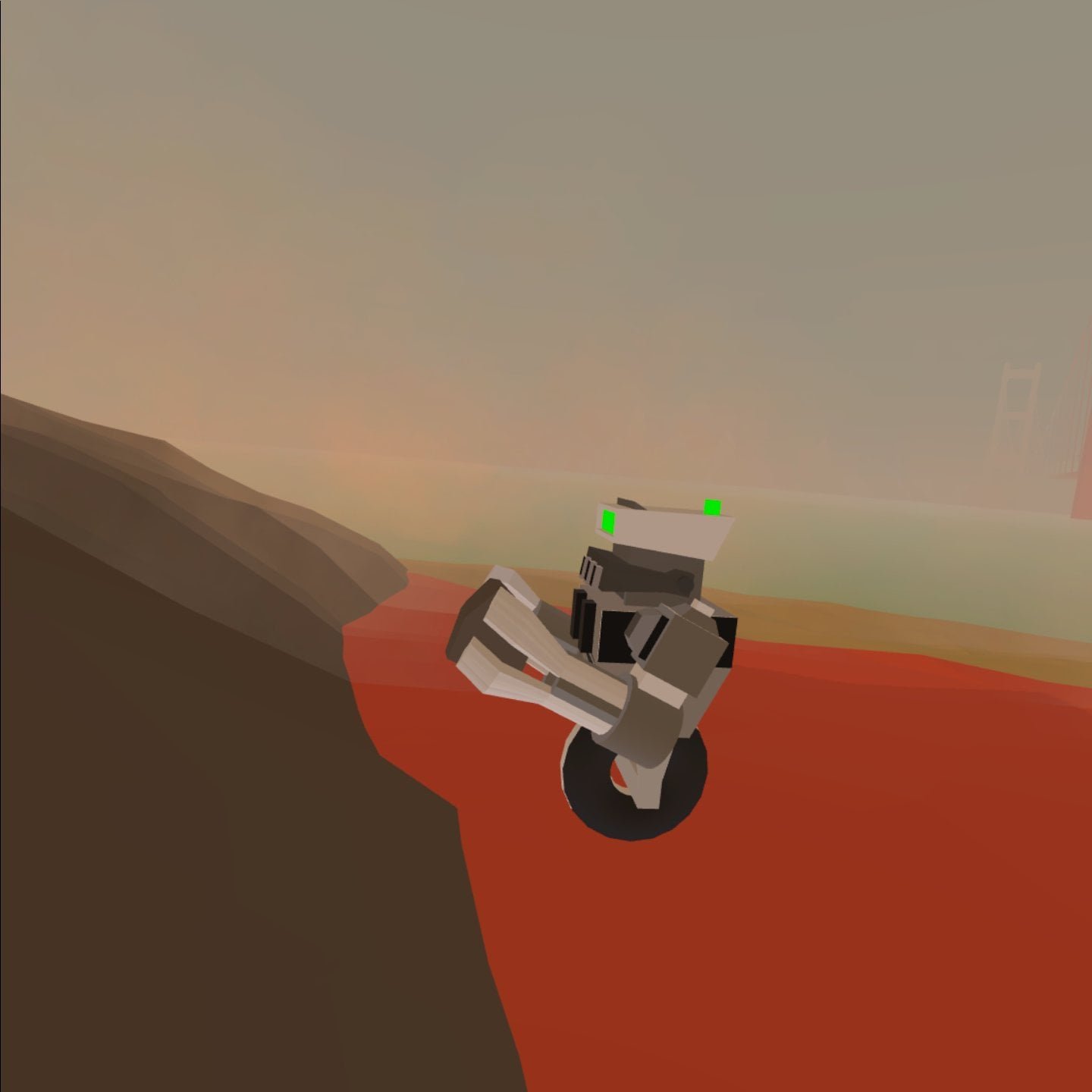
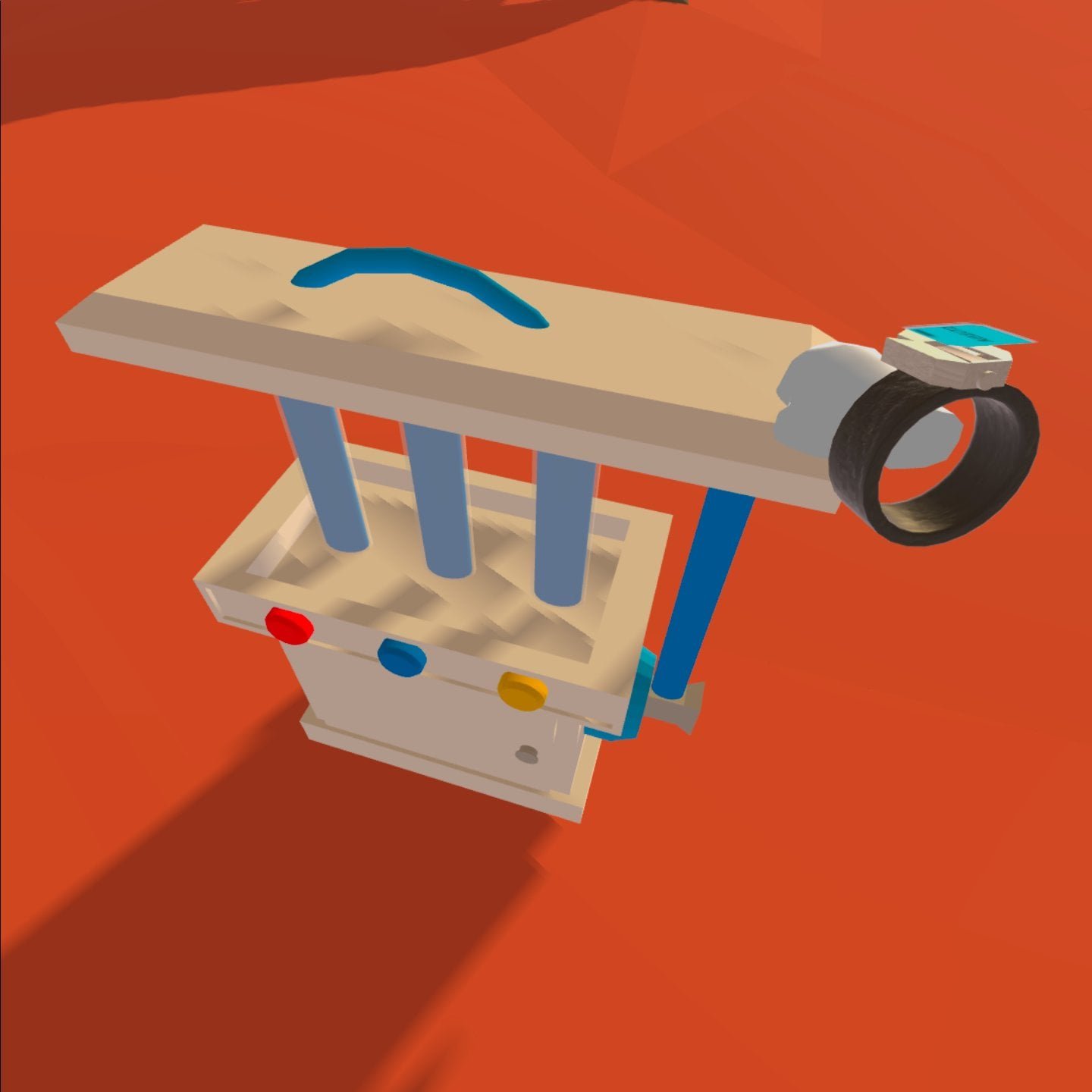
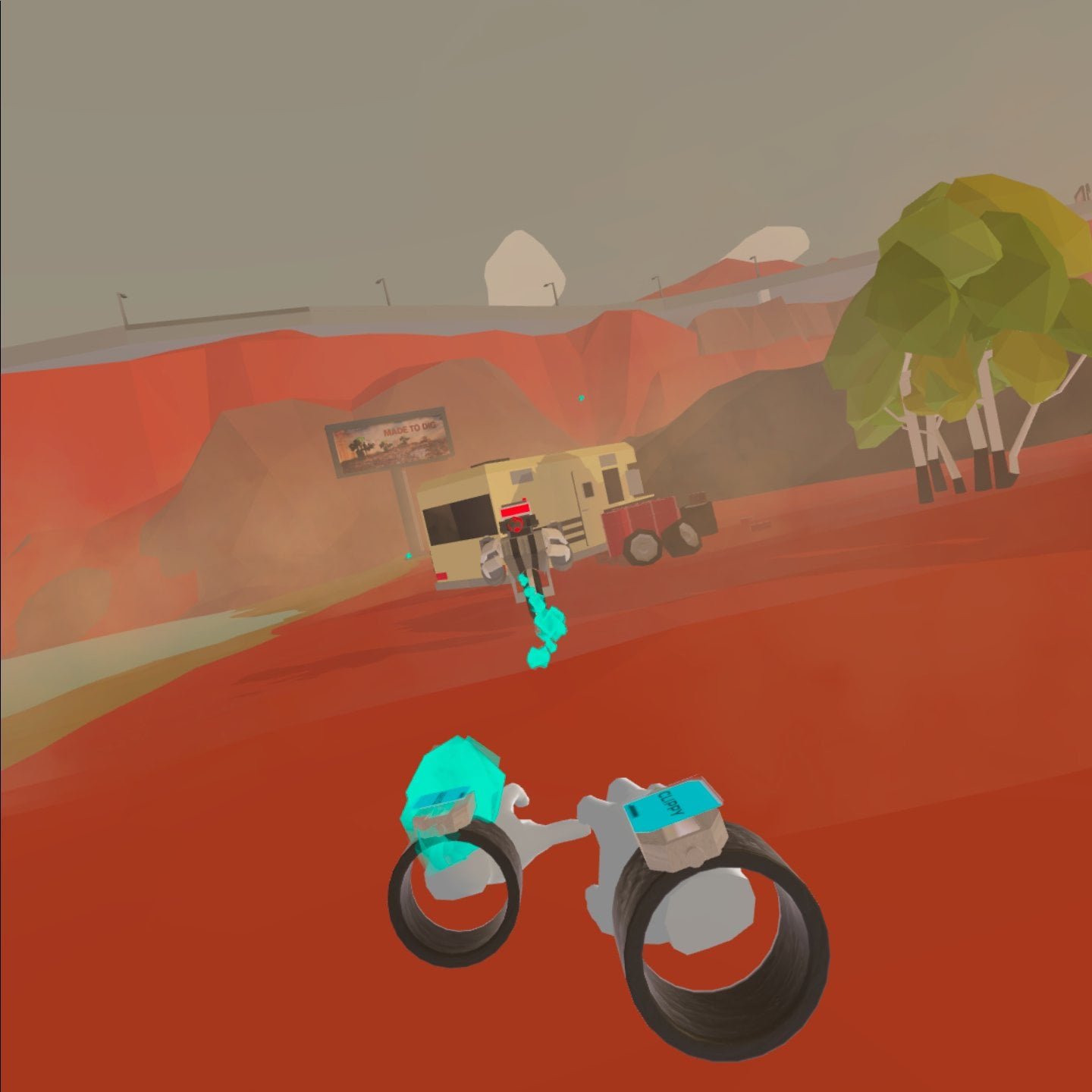
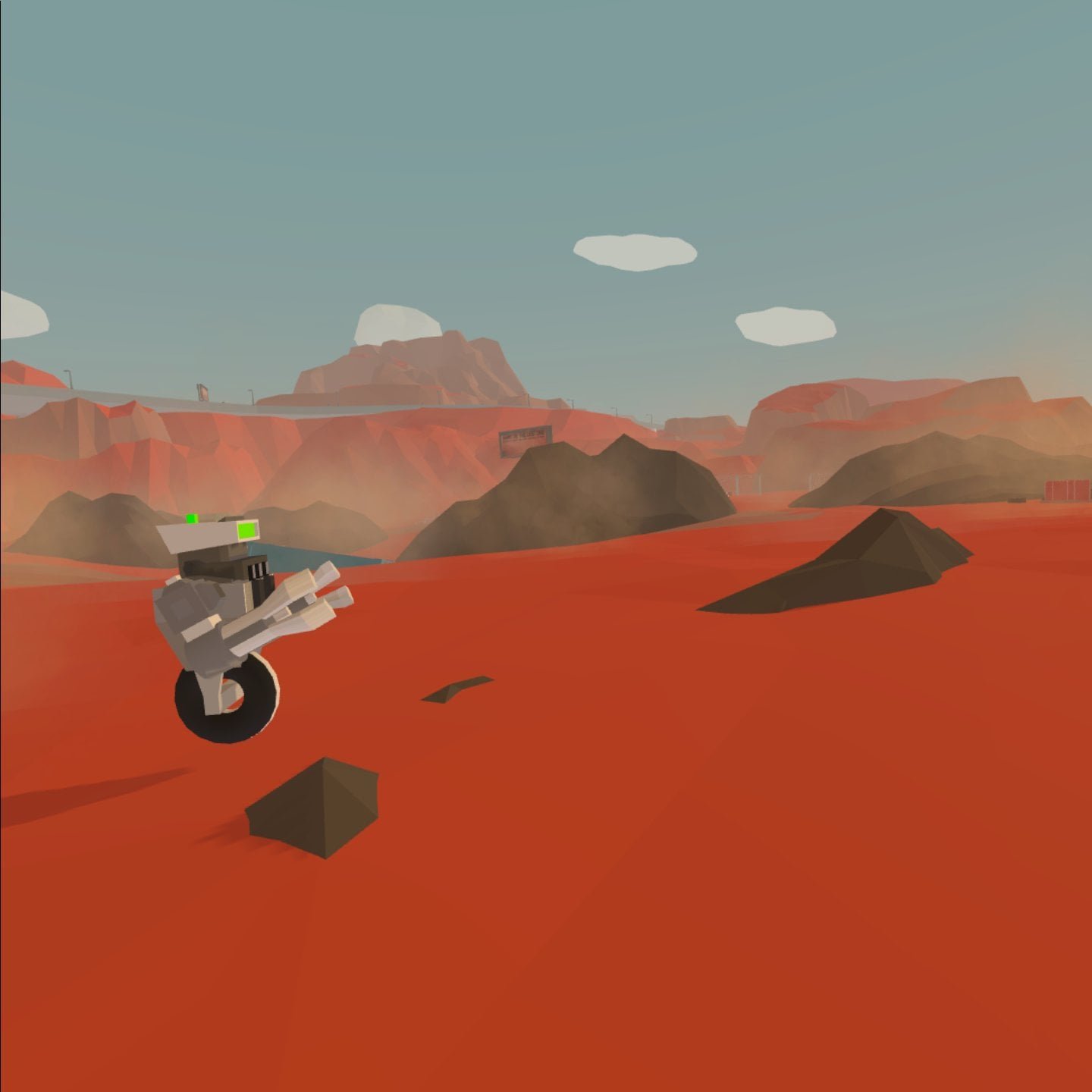
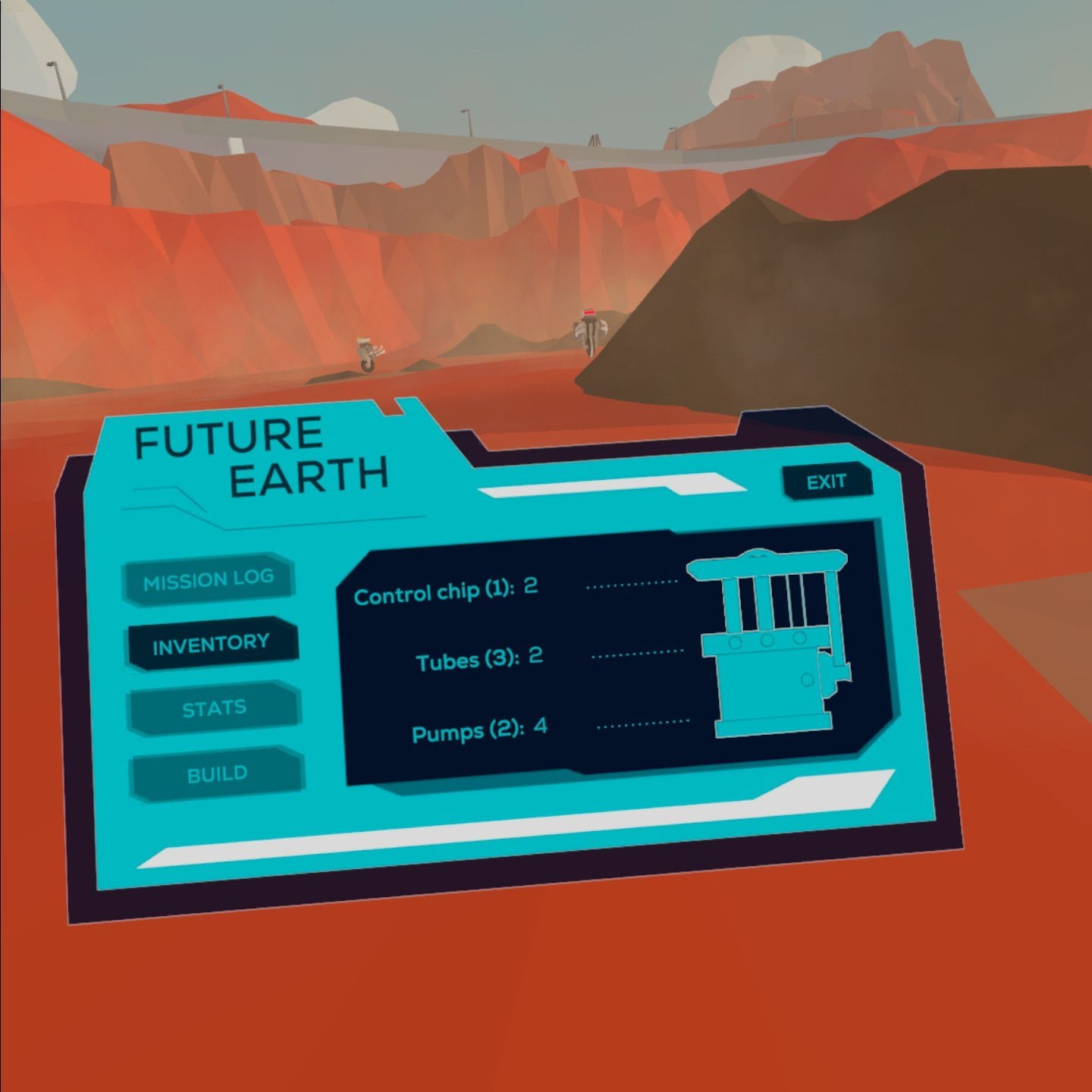
As the PM, I split the concept design into a list of core and bonus features. The core design featured a small game, where players fight rogue robots, collect their parts, and build water filtering technology that helps trees to grow. This core prototype was implemented within the first three months.
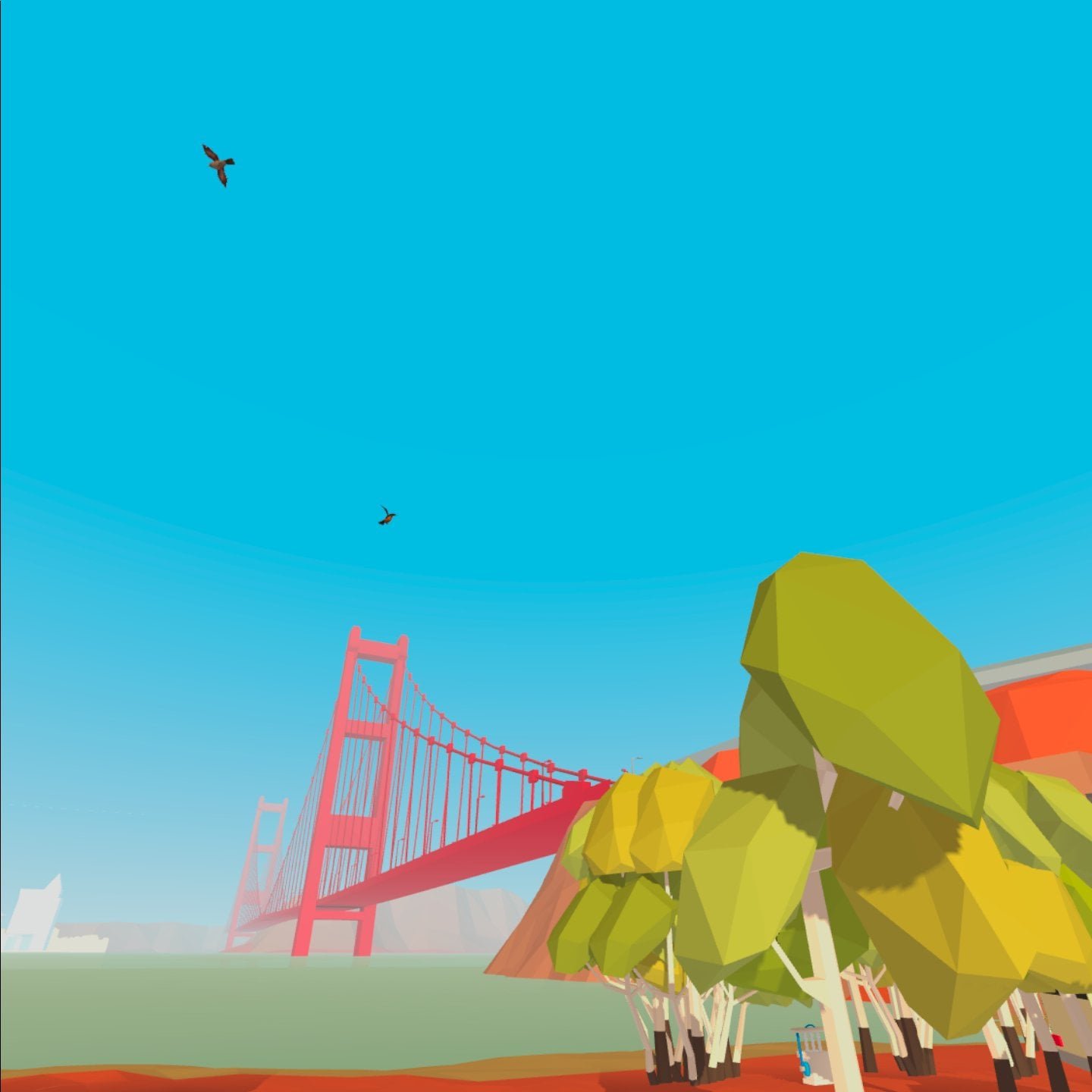
After a round of usertesting, we proceed to implement updated features in response to our testing results. These included measures to better communicate the narrative, such as a major update to the level design and the implementation of an aesthetic change as the player plants more trees. We also had time to implement some of our bonus features, which were mostly aesthetic improvements such as the addition of VFX, better models, and multiple collectible parts.


The Code
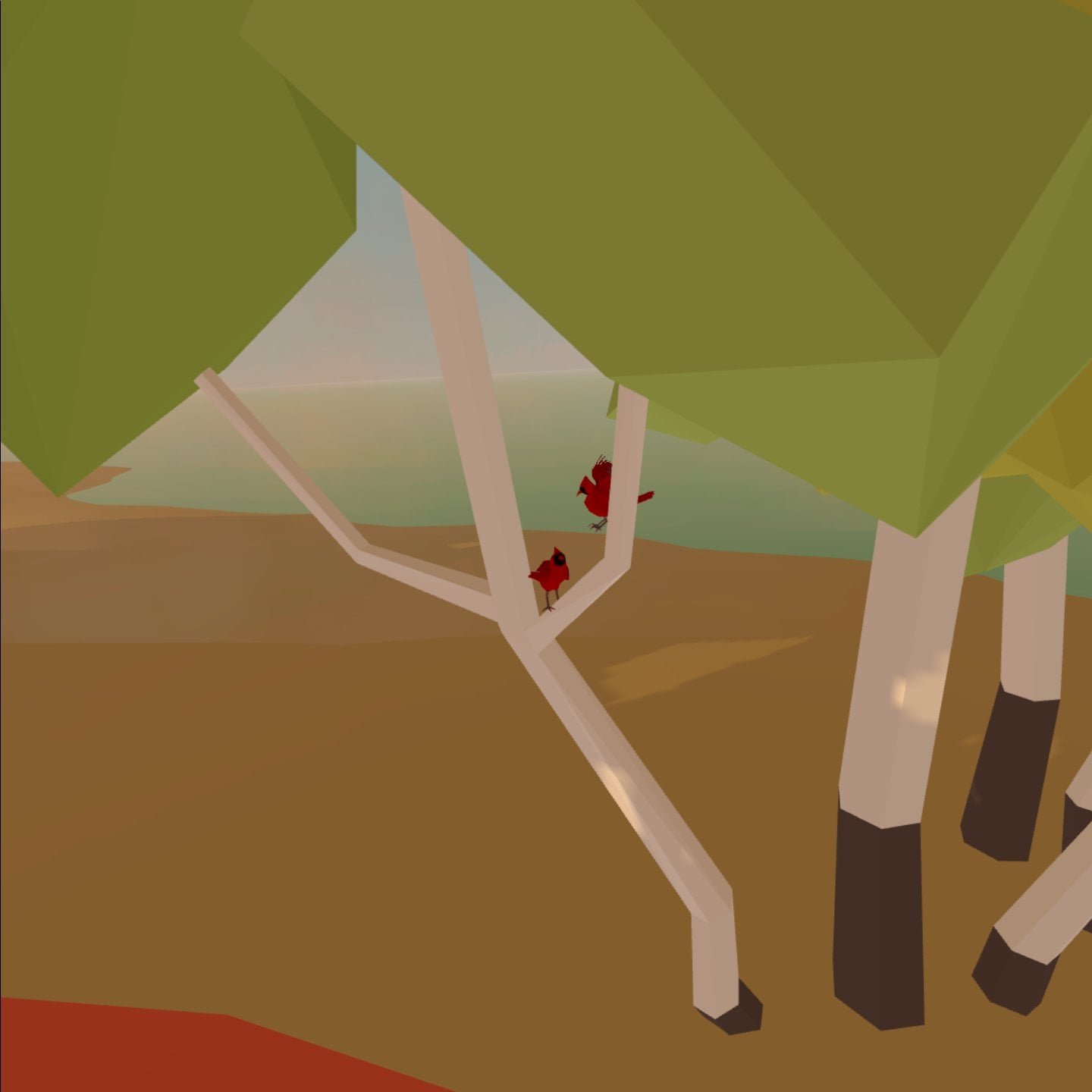
My programming efforts for this project focussed on the more unusual features of our game, such as spare part collection, item building, UI interactions, story sequencing and more. Another interesting feature I implemented was the trees, which required animations for growth and monitoring of their health based on the available water supply. In order to achieve fine control over the growth behavior, I used a Coroutine, which is also used to control dying trees. Instead of using an Unity animation I implemented smooth growth by affecting scale and rotation with the help of Mathf.SmoothStep() and Mathf.Sin()
// CODE SNIPPET, NOT THE FULL FILE ////Coroutine that controls growth / death animation, colliders, presence and perch targetsIEnumerator TreeLerpSize (float time, bool death){ ////////////// before main loop float startSize, endSize; float elapsedTime = 0; if (death) { startSize = 1; endSize = 0; } else { growing = true; startSize = 0; endSize = 1; //Activate collider treeCollider.enabled = true; } ////////////// Main loop: Handle growth / shrinking while (elapsedTime < time) { //Transition between start and end size (0 to 1) float curSize = Mathf.SmoothStep(startSize, endSize, (elapsedTime / time)); //Rotations work different. It's best to define the rate of rotation, the sine function is handy for this (between 0, 1, back to 0) float curRotationRate = Mathf.Sin(Util.mapVal((elapsedTime / time), 0, 1, 0, Mathf.PI)); //Apply size & rotation treeTransform.localScale = new Vector3(curSize, curSize, curSize); treeTransform.RotateAround(treeTransform.position, Vector3.up, curRotationRate * turnDirection); elapsedTime += Time.deltaTime; yield return new WaitForEndOfFrame(); } ////////////// after main loop if (death) { Destroy(gameObject); } else { //Activate perch targets once growth complete Util.FindInactiveChild(gameObject, "perchParent").SetActive(true); growing = false; if (dead) { StartDeath(); } }}One of the interesting changes that resulted from our user tests was the more drastic environment change coupled to player progress. The environment changes as the player plants more trees. In order to achieve the desired emotional effect with the player, we incorporated many variable layers: the skybox, fog, dust particles, water, lighting and post processing. All of these aspects of the environment are interpolated between a start and an end state, by the method SetEnvironment() which I implemented in GameCtrl.cs. For instance, the fog has definitions of its color, start distance and end distance for both the beginning and the end.
// CODE SNIPPET, NOT THE FULL FILE ////Sets the mood of the environment (skybox, fog, dust, water). Input a value between 0 (beginning: grim) and 1 (ending: bright).private int startDust = 600;private int endDust = 0;private int startFogLimit = 300;private int endFogLimit = 1250;private int startFog = 0;private int endFog = 50;private void SetEnvironment (float lerp){ lerp = Util.capVal(lerp, 0, 1); Color horizonCol = Color.Lerp(startColors[1], endColors[1], lerp); //sky skyBox.SetColor("_TopColor", Color.Lerp(startColors[0], endColors[0], lerp)); skyBox.SetColor("_HorizonColor", horizonCol); skyBox.SetColor("_BottomColor", Color.Lerp(startColors[2], endColors[2], lerp)); //fog RenderSettings.fogColor = horizonCol; RenderSettings.fogEndDistance = Util.mapVal(lerp, 0, 1, startFogLimit, endFogLimit); RenderSettings.fogStartDistance = Util.mapVal(lerp, 0, 1, startFog, endFog); //dust int dustCount = (int)Mathf.SmoothStep(startDust, endDust, lerp); dust1.maxParticles = dustCount; dust2.maxParticles = dustCount / 12; //water waterMat.SetColor("_Color", Color.Lerp(waterColors[0], waterColors[1], lerp)); //Post Processing (disabled for mobile) ppBefore.weight = Util.mapVal(lerp, 0, 1, 1, 0); ppAfter.weight = Util.mapVal(lerp, 0, 1, 0, .4f); //sun sun.intensity = Util.mapVal(lerp, 0, 1, 0.5f, 1.1f);}